Workflow fit
Match the instrument to the work actually performed
Clarify whether the priority is a streamlined multi-sample routine or a broader morphology-oriented workflow. The answer should drive the product conversation.
Veterinary IVD Application
Connect sample handling, automated analysis, blood morphology and report review in a workflow that fits the clinic's operating context.
From Sample Context to Review
Analyzer selection begins with the full operating path, not a single feature list. Define how a sample enters the in-clinic workflow, what analysis is required, how morphology information is reviewed and how the resulting report is handled.
This workflow view keeps equipment evaluation tied to daily use while leaving interpretation and clinical decisions with the veterinary team.
Map collection, preparation and handoff steps against the confirmed operating instructions for the chosen analyzer.
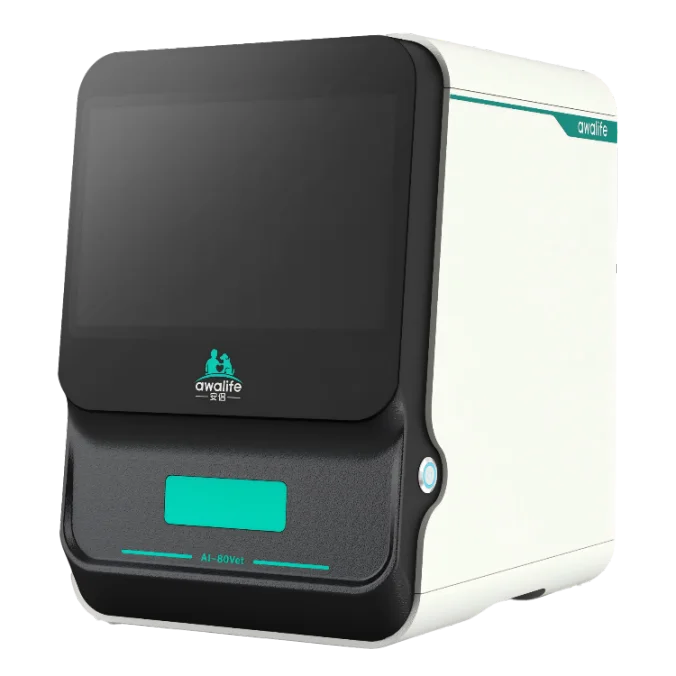
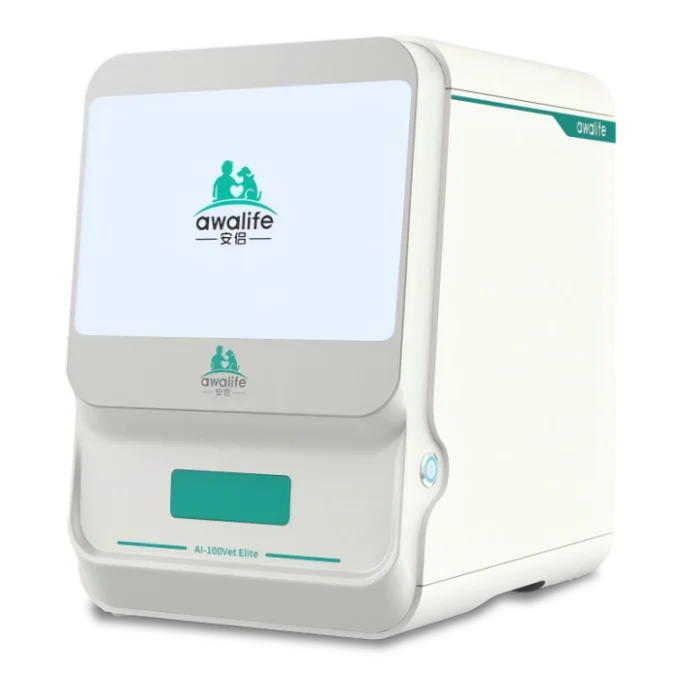
Both Vetsplex options combine microfluidic control and AI image recognition, while their documented workflow emphasis differs.
Use analyzer output as part of a defined professional review process rather than treating automated recognition as a standalone conclusion.
Confirm where automatic reports are reviewed, recorded and discussed within the clinic's existing process.
Operational Questions First
A useful in-clinic setup depends on how the analyzer fits people, samples and reporting. Resolve these operating questions before comparing commercial options.
Workflow fit
Clarify whether the priority is a streamlined multi-sample routine or a broader morphology-oriented workflow. The answer should drive the product conversation.
Sample handling context
Collection, preparation, handoff and operating instructions remain part of the workflow even when analysis itself is automated.
Report review
Identify who reviews the report, where it is retained and how analyzer output fits professional veterinary assessment. Automation does not replace that review step.
Training and support
Confirm operation, maintenance and application training needs, then align the support scope with the team members who will use and review the system.
Documented Vetsplex Options
AI-80Vet and AI-100Vet Elite both bring microfluidic control, AI image recognition and automated reporting into veterinary IVD workflows. Their documented positioning helps frame which route deserves closer evaluation.
Streamlined multi-sample workflow
A compact veterinary IVD analyzer for automated analysis of blood, feces, intestinal fluid and urine, combining microfluidic precision, AI-driven image recognition and automatic report generation.
Broader morphology workflow
An advanced veterinary IVD option using AI image recognition and microfluidic control for blood and other documented sample workflows, with advanced blood morphology and morphology reporting.
Selection Framework
Choose from the workflow outward. Start with the sample categories the clinic intends to handle, the depth of morphology review required, the report path and the support plan for the operating team. Then use a veterinary hematology analyzer cost framework to compare CBC and morphology scope, consumables, service and total ownership assumptions on the same basis.
For a wider equipment and service discussion, place the analyzer inside a complete clinic plan rather than evaluating it in isolation. Use the veterinary laboratory setup checklist to account for preparation tools, controls, reporting, consumables and downtime around the blood workflow.
Review the Pet Hospital Setup Solution| Evaluation point | AI-80Vet route | AI-100Vet Elite route |
|---|---|---|
| Workflow emphasis | Streamlined automated analysis across documented sample categories | Broader morphology-oriented analysis across documented workflows |
| Blood analysis discussion | Fit of blood analysis within a compact multi-sample routine | Need for advanced blood morphology and morphology reporting |
| Operational review | Sample handling, automatic reports and team onboarding | Morphology review scope, reporting and team onboarding |
Workflow-Based Analyzer Evaluation
Share the intended sample workflows, report-review process and training needs. Vetsplex can help compare the documented AI-80Vet and AI-100Vet Elite routes for your operating context.
Discuss an Analyzer WorkflowWe use only necessary browser storage to remember privacy preferences and support core site functions.